Content Creation Workflow Template: A Free, Step-by-Step Framework
Here’s a simple content creation workflow template you can copy into a spreadsheet, Notion, Airtable, or any project tool — or download the ready-made spreadsheet version below. It covers six stages — idea, brief, draft, review, publish, and distribute — with a clear owner, status, and exit criteria for each one.
Download the free Content Creation Workflow Template (.xlsx) — includes a fillable content tracker plus a stage-reference sheet.
The Content Creation Workflow Template
Copy this directly into Notion, Airtable, Trello, a spreadsheet, or a plain doc:
| Stage | Owner | Input Needed | Status | Exit Criteria (when it moves on) |
|---|---|---|---|---|
| 1. Idea | Content lead | Keyword research, audience questions, content gaps | Not started / In progress / Done | Idea approved and added to the content calendar |
| 2. Brief | Content lead | Approved idea, target keyword, competing pages | Not started / In progress / Done | Brief includes intent, outline, and any source material |
| 3. Draft | Writer | Brief | Not started / In progress / Done | Draft covers the full outline, matches the brief’s intent |
| 4. Edit & Review | Editor | Draft | Not started / In progress / Done | Fact-checked, edited, approved by any required stakeholder |
| 5. Publish | Publisher | Approved draft | Not started / In progress / Done | Live, formatted, internal links and metadata added |
| 6. Distribute | Marketing/owner | Published URL | Not started / In progress / Done | Repurposed assets (social, email) drafted or scheduled |
For a solo creator or freelancer, you’ll likely hold three or four of these roles yourself — the template still works because each row still forces a clear “is this actually done” checkpoint before you move to the next stage.
Why This Template Works
Most content creation workflow templates you’ll find online are locked behind a signup form for a specific tool, or built for a large marketing team with roles you don’t have. This one is neither — it’s a plain, copy-into-any-tool template you can adapt in a few minutes.
A content creation workflow template only works if it answers three things for every piece of content: what stage is it in, who owns that stage, and what has to be true before it moves to the next one. Templates that skip the “what has to be true” part (the exit criteria) tend to fall apart under real use — work gets marked “done” prematurely because there’s no clear bar to clear.
The template above covers six stages. If your content type is simpler (say, you’re a solo creator with no approval chain), collapse Draft and Edit into one stage. If it’s more complex (client work, legal review), add a stage — the structure holds either way.
How to Use This Template Step by Step
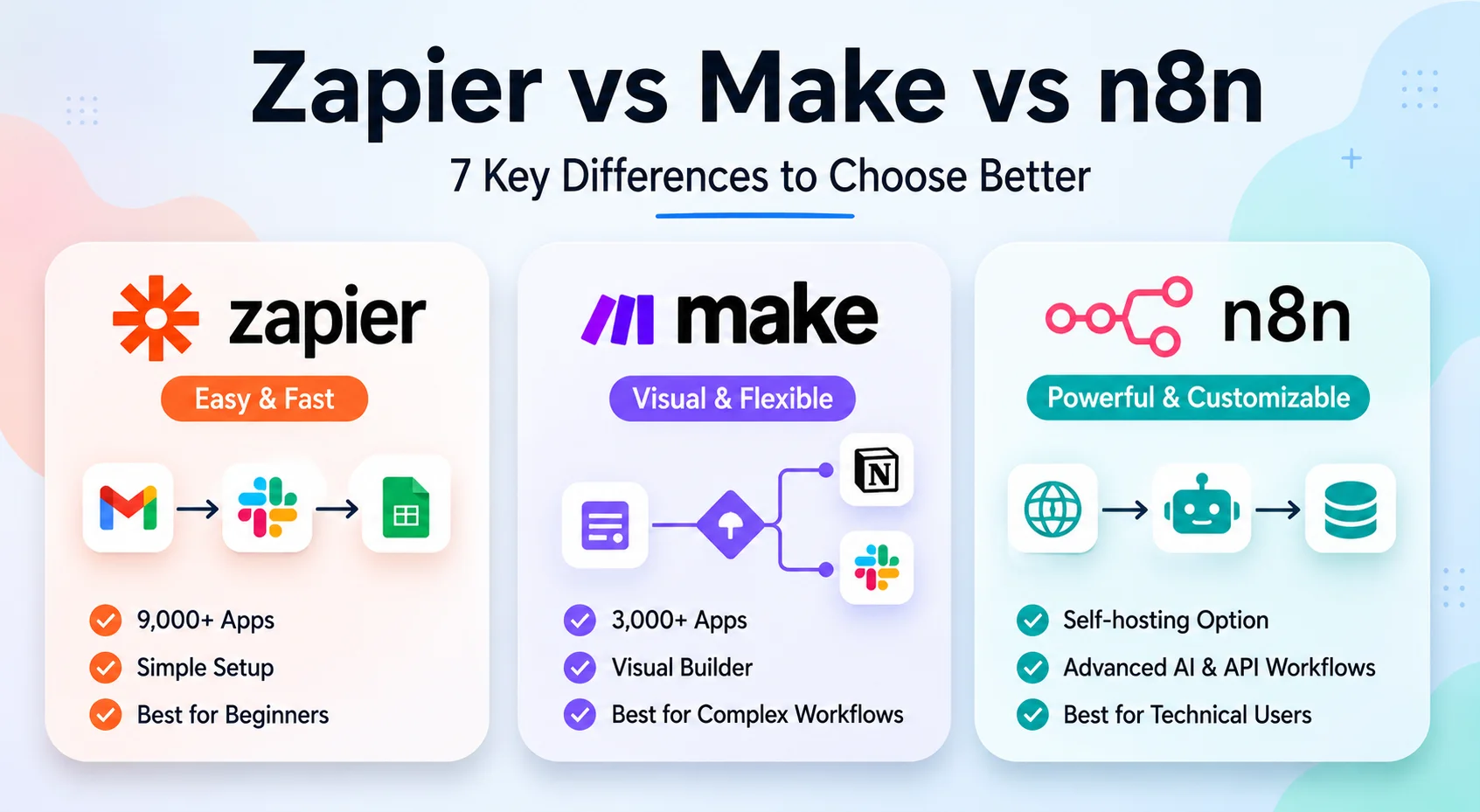
- Pick a tool to hold it. A spreadsheet or a Notion database both work — the template is the structure, not the software. If you’re choosing between automation-heavy tools to connect this to other systems later, see our comparison of n8n, Zapier, and Make.
- Choose how you’ll implement the six stages. The table above shows the six stages as reference rows. In practice, you’ll set it up one of two ways: as a Kanban board with one column per stage (each content piece is a card that moves left to right), or as a database with one row per content piece and a “Current Stage” field that you update as it progresses. Either works — pick whichever your tool makes easier.
- Assign an owner per stage before work starts, not after. If you’re working solo, write your own name in every column — the point is to make the handoff explicit even to yourself, so you know when idea-mode ends and drafting starts.
- Set exit criteria you’ll actually check. “Edited” is vague. “Fact-checked, links verified, approved by one reviewer” is checkable.
- Review the board weekly, not daily. The Draft → Edit handoff is a common place for content to stall. A weekly review can help you catch pieces that are stuck there before they go stale.
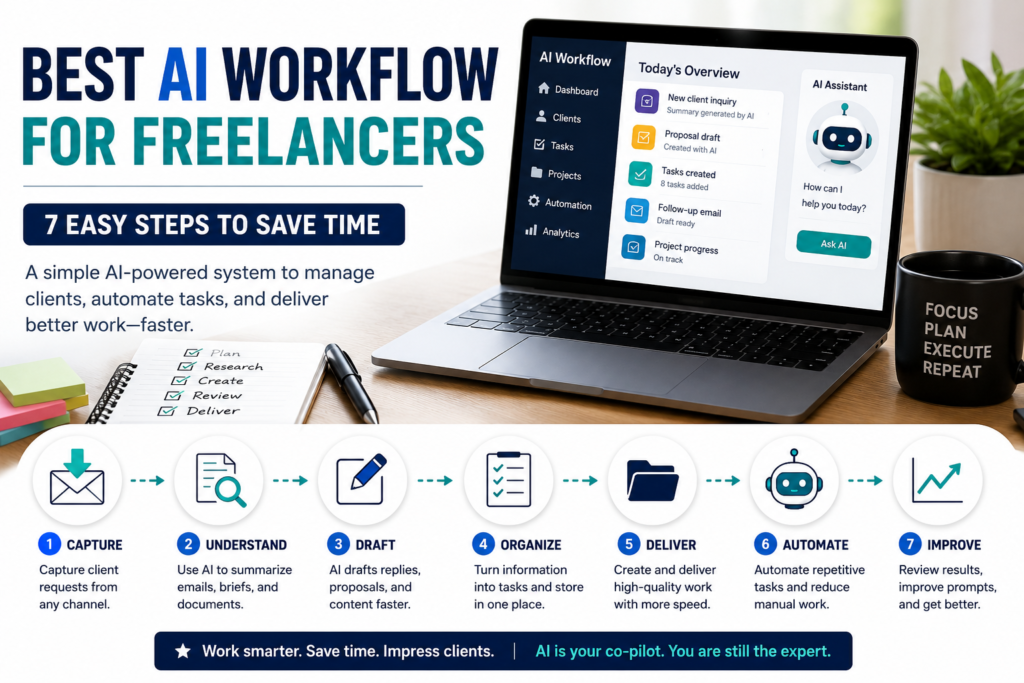
Adding AI to Your Content Creation Workflow Template
AI fits into specific stages of this template — it doesn’t replace the structure itself:
| Stage | AI’s role | Still needs a human |
|---|---|---|
| Idea | Cluster keyword research, surface content gaps | Pick the final topic |
| Brief | Draft an outline and research questions | Confirm intent and priorities |
| Draft | Produce a first draft from the brief | Rewrite, fact-check, add voice |
| Edit & Review | Assist with fact-checking and readability flags | Final editorial judgment |
| Publish | Assist with metadata and formatting | Final QA before it goes live |
| Distribute | Repurpose content into social posts, email | Approve messaging before it’s sent |
An AI-generated first draft can speed up the drafting stage, but it still needs the Edit & Review stage — treat it as a starting point, not a finished piece.
If you want to automate the handoffs themselves (for example, auto-notifying an editor when a draft’s status changes, or auto-publishing on a schedule), that’s a separate layer on top of the template — see our guide on using n8n with OpenAI for a concrete example of wiring a status change to an automated action.
Template vs. AI Workflow for Content Creators
This template defines the process and handoffs — the stages, owners, and exit criteria that keep content moving. Our AI Workflow for Content Creators guide covers the broader picture: where AI fits into a content operation and how to build automation around it. Use this page to set up the structure; use that guide for the wider strategy behind it.
Common Mistakes With Content Workflow Templates
- No owner per stage. If it’s unclear whose job it is to move a piece forward, it stalls — even with a perfect template.
- Treating the template as a formality. A template that isn’t checked weekly is just a list nobody updates.
- Skipping the brief stage. Jumping from idea straight to draft causes rework during editing that a short brief can usually prevent.
- Publishing AI drafts unedited. The Draft stage output from AI is a starting point, not a finished piece — skipping Edit & Review is one of the easiest ways to make an AI-assisted workflow faster while quietly lowering content quality.
FAQ
What’s the difference between a content workflow and a content creation workflow template? A content workflow is your actual process. A content creation workflow template is the reusable structure you copy for every new piece of content, so you’re not rebuilding the process each time.
Do I need software to use this template? No. A spreadsheet or shared doc works. Dedicated tools (Notion, Trello, Airtable, or project management platforms) add automation and views like Kanban boards, but they’re not required to get the benefit of a defined workflow.
How is this different from a content calendar? A content calendar tracks publish dates. This template tracks the internal stages a piece passes through before it reaches the calendar’s publish date.
Next Step
Copy the six-stage table above into whatever tool you already use — don’t wait to pick the “perfect” software first. Run two or three pieces of content through it as-is, then adjust stage names or exit criteria based on where things actually get stuck. If you want the bigger picture this template fits into — including where AI accelerates each stage — see our full guide on building a content workflow.