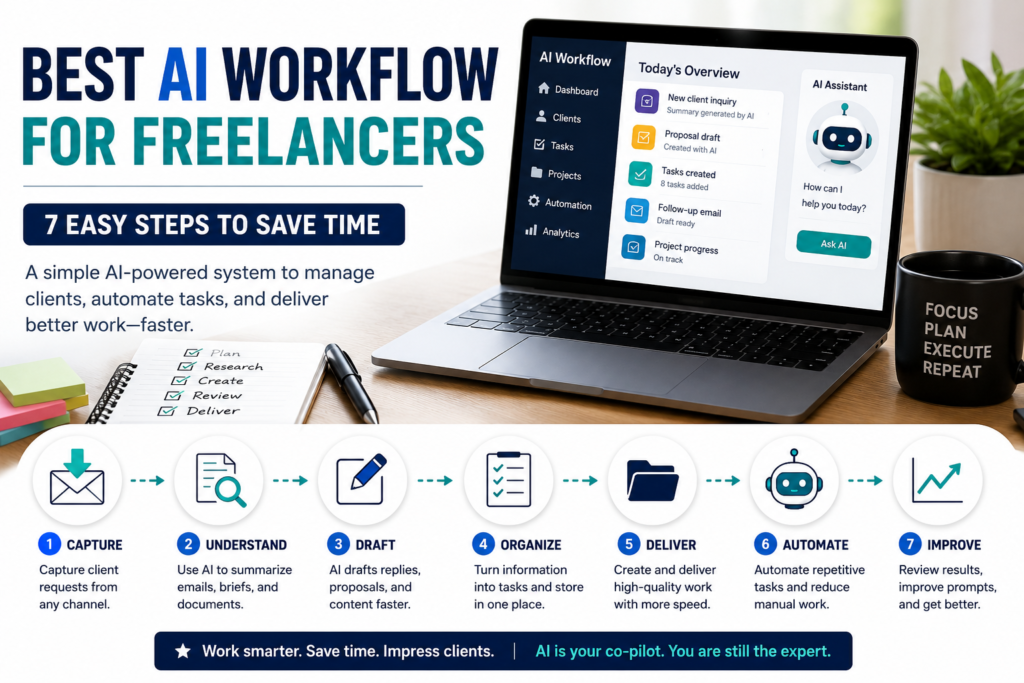
Build an AI workflow for content creators to plan ideas, write scripts, design assets, repurpose content, and automate publishing tasks.
Introduction
Anyone who has never created content regularly may think it is easy. Record a video, write a post, publish, and move on.
But if you are a creator, you know the real picture.
You are juggling ideas, research, outlines, scripts, captions, visuals, editing notes, publishing schedules, and then adapting the same content for different platforms. If you do all of that manually, content creation can quickly become slow, inconsistent, and exhausting.
That is where building an AI workflow for content creators becomes useful.
The point is not to hand your creativity over to a machine. The point is to stop wasting your best hours on repetitive tasks so you can spend more energy on strategy, storytelling, and the work that actually makes your content worth following.
In this guide, you will learn a practical system for planning, creating, organizing, repurposing, and publishing content with AI — from raw idea to finished piece.
This workflow is built for bloggers, YouTubers, TikTok creators, newsletter writers, social media managers, freelancers, and small business owners who create content on a regular basis.
What This AI Workflow for Content Creators Does
A solid AI workflow for content creators helps you move from idea to published content with less friction and fewer bottlenecks.
This workflow helps you:
- Generate content ideas
- Research topics faster
- Create outlines and scripts
- Write captions and posts
- Summarize long documents
- Design basic visual assets
- Repurpose content across platforms
- Organize everything in one workspace
- Automate repetitive publishing tasks
The secret is structure.
Using AI randomly — jumping between tools with no clear process — can waste more time than it saves.
Instead, follow a repeatable system:
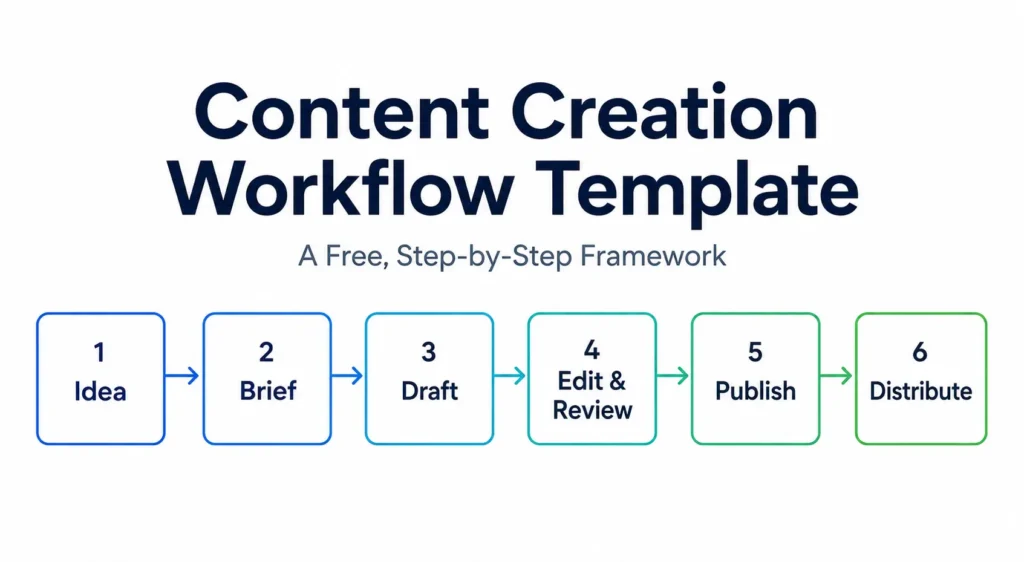
Idea → Research → Outline → Draft → Design → Repurpose → Schedule → Review
That chain is what separates creators who feel in control of their content from creators who always feel behind.
Tools You Need
You do not need all of these tools. Start with the tools that match what you actually create.
ChatGPT or Claude
Use ChatGPT or Claude for:
- content ideas
- outlines
- scripts
- captions
- article drafts
- newsletter drafts
- summaries
- content repurposing
ChatGPT supports file uploads for tasks such as synthesizing information, comparing documents, analyzing files, and extracting relevant information, which can help with research and content planning.
NotebookLM
Use NotebookLM when you are working with sources, notes, PDFs, transcripts, reports, or research material.
It is useful for:
- research summaries
- source-based notes
- content preparation
- expert-style articles
- study-heavy content
NotebookLM supports adding sources such as documents, text, images, and Google Drive files into a notebook, which makes it useful for source-based content workflows.
Canva
Use Canva for visual content such as:
- thumbnails
- social media graphics
- carousel posts
- simple presentations
- quote graphics
- branded assets
Canva’s AI tools are designed to help with design, writing, branding, and creative work inside Canva’s visual workspace.
Notion or Google Docs
Use Notion or Google Docs to organize:
- ideas
- content calendars
- drafts
- prompts
- publishing checklists
- platform-specific captions
- repurposing plans
Notion AI can help bring information together, answer questions, and automate tedious work inside a workspace.
Zapier, Make, or n8n
Use automation tools later, once your manual workflow is stable.
There is no point automating a process that is not working yet. But when you are ready, tools like Zapier can connect AI workflows and apps across thousands of integrations.
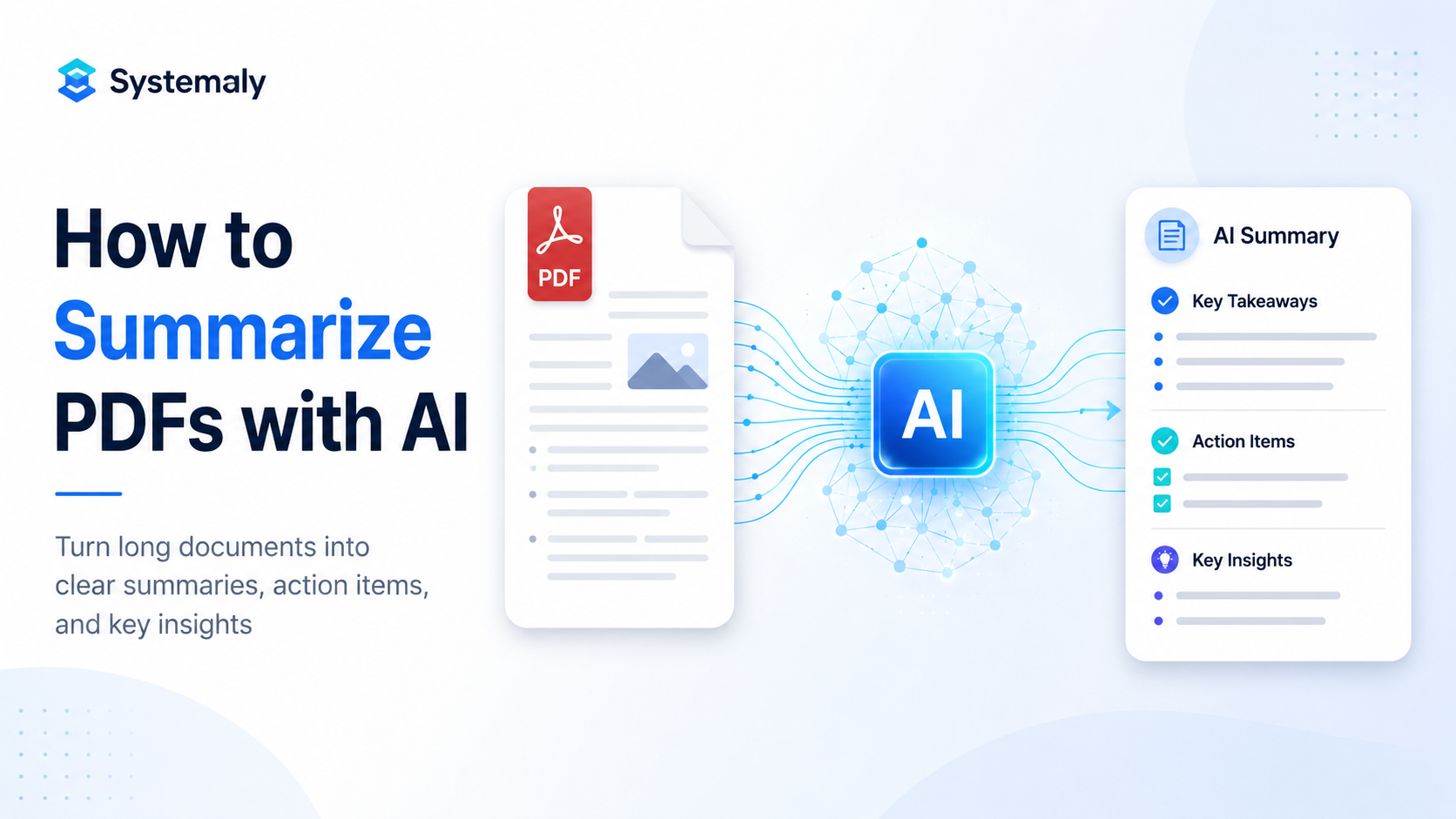
If you use reports, guides, or research documents for content ideas, learning how to summarize PDFs with AI can help you extract key points and turn them into useful content angles faster.
AI Workflow for Content Creators: The 7-Step System
This AI workflow for content creators follows seven clear steps:
- Capture ideas
- Research the topic
- Build the content outline
- Draft the content
- Create visual assets
- Repurpose content for other platforms
- Schedule, review, and improve
It works for:
- blog posts
- YouTube videos
- TikTok scripts
- Instagram carousels
- LinkedIn posts
- newsletters
- short-form videos
- podcast notes
- educational content
Let’s break it down.
Step 1: Capture Content Ideas in One Place
Most creators do not have an idea problem. They have a losing-ideas problem.
You get a good idea in a comment section, in a client conversation, in a Reddit thread, or while watching a competitor’s video. Then, by the time you sit down to create, the idea is gone or buried somewhere without context.
Good content ideas can come from:
- client questions
- YouTube comments
- Reddit threads
- competitor videos
- keyword research
- social media comments
- personal experience
- customer support emails
- trending questions in your niche
Your first job is simple:
Collect every useful idea in one place.
Use:
- Notion
- Google Sheets
- Airtable
- Trello
- Todoist
- a simple Google Doc
Create a simple idea template:
Content idea:
Platform:
Target audience:
Problem it solves:
Main keyword:
Content format:
Status:
Notes:
Then, when you have a backlog of messy ideas, use AI to organize them.
Prompt:
Organize these content ideas into a clear content plan.

For each idea, include:
- target audience
- content angle
- suggested title
- best platform
- why the topic is useful
This is where an AI workflow for content creators actually begins — not with writing, but with organizing ideas before they disappear.
Step 2: Research the Topic Faster
Before you create anything, you need to understand the topic.
This sounds obvious, but it is where many creators cut corners and end up with generic content.
AI can help you:
- summarize research
- extract key points
- identify common mistakes
- find useful examples
- create better content angles
- organize notes into sections
Use this prompt:
Research this topic for a content creator.

Topic: [insert topic]

Give me:
1. Main points beginners need to understand
2. Common mistakes
3. Useful examples
4. Questions people usually ask
5. A unique content angle
6. A simple outline
For source-heavy content, use AI carefully.
Do not publish facts blindly. Use AI to surface information faster, then verify important claims with original sources.
If you are working with PDFs, reports, or transcripts, summarize them first.
Prompt:
Summarize this source for content creation.

Extract:
- key ideas
- useful statistics or claims to verify
- examples
- controversial or counterintuitive points
- questions worth raising for the audience
- possible content angles
The AI workflow for content creators becomes stronger when research is structured before drafting begins.
How to summarize PDFs with AI
Step 3: Turn Research Into a Content Outline
Here is a common mistake:
Asking AI to write the full piece immediately.
That often creates content that sounds clean but feels generic. Instead, ask for structure first.
Use this prompt:
Create a content outline for this topic.

Topic: [insert topic]
Target audience: [insert audience]
Platform: [blog / YouTube / LinkedIn / Instagram / newsletter]

Include:
1. Hook
2. Main sections
3. Key points under each section
4. Practical examples
5. Common mistakes
6. Final takeaway
For a YouTube video:
Create a YouTube video outline with:
- opening hook
- problem explanation
- step-by-step structure
- examples
- transition points
- closing call to action
For a blog post:
Create an SEO blog outline with:
- H1
- H2 sections
- H3 subsections
- FAQ questions
- internal link ideas
- practical examples
A strong outline makes the draft faster and clearer.
Think of the outline as the skeleton. If the skeleton is weak, the draft will be weak too.
Step 4: Draft the First Version
Now AI can help create the first draft.
But the key word is first.
In an AI workflow for content creators, AI should create a starting point, not the final version.
Do not ask for generic content. Give the AI your outline, audience, tone, and goal.
Use this prompt:
Write a first draft based on this outline.

Rules:
- Write clearly.
- Use short paragraphs.
- Avoid hype and filler.
- Make it practical.
- Add examples.
- Do not invent facts.
- Keep the tone helpful and professional.

Outline:
[paste outline]
For video scripts:
Write a video script based on this outline.

Rules:
- Use a strong hook.
- Keep sentences natural and easy to speak.
- Add examples.
- Avoid robotic phrasing.
For social media posts:
Turn this idea into three social media post versions:
1. Educational
2. Story-based
3. Practical checklist

Keep each version clear and useful.
AI drafts can sound polished but still feel empty.
Your editing should add:
- your voice
- real examples
- accuracy
- brand style
- original thinking
- audience fit
AI gives you momentum. Your editing makes the content worth publishing.
Step 5: Create Visual Assets
Strong content often needs strong visuals.
Depending on your platform, you may need:
- featured images
- thumbnails
- diagrams
- carousel slides
- quote graphics
- infographics
- short video scenes
- presentation visuals
Use AI to create the design direction before opening your design tool.
Prompt:
Create a visual direction for this content.

Include:
- image concept
- main text on the image
- visual elements
- color style
- layout idea
- image alt text
For YouTube thumbnails:
Create five thumbnail concepts for this video.

For each one, include:
- headline text
- object or face focus
- background style
- emotional angle
For blog featured images:
Create a featured image concept for this article.

Topic: [insert topic]
Style: clean SaaS-style illustration

Include:
- main visual idea
- text overlay
- icon ideas
- image alt text
Then use Canva or your preferred design tool to create the final asset.
For Systemaly-style content, keep visuals:
- clean
- blue-accented
- modern
- structured
- workflow-based
- simple and readable
Avoid chaotic “AI robot” visuals that make the site look generic.
Step 6: Repurpose One Content Piece Into Many Formats
This is where AI becomes very useful for creators.
You already did the hard work:
- research
- thinking
- outlining
- writing
- editing
Now you can multiply the value of that work.
One article, video, or newsletter can become:
- LinkedIn post
- Facebook post
- Twitter/X thread
- Instagram carousel
- YouTube Short script
- TikTok script
- email newsletter
- Pinterest pin text
- short summary
- quote graphic
- checklist PDF
Use this prompt:
Repurpose this content into multiple formats.

Create:
1. LinkedIn post
2. Facebook post
3. Twitter/X thread
4. Instagram carousel outline
5. Short video script
6. Newsletter intro
7. Five quote ideas

Keep the core message consistent, but adapt the style and length for each platform.

Content:
[paste content]
Example:
A blog post about AI email automation can become:
- a Facebook post
- a carousel about Gmail automation
- a short video script
- a newsletter tip
- a LinkedIn productivity post
- a checklist PDF
This is one of the biggest advantages of an AI workflow for content creators.
You are not starting from zero every time. You are creating one strong piece and adapting it intelligently.
How to automate Gmail with AI
Step 7: Schedule, Review, and Improve
The final step is publishing and improvement.
AI can help prepare content, but you still need a review system.
Before publishing, check:
- Is the main idea clear?
- Does it solve a real problem?
- Are the facts accurate?
- Is the content too generic?
- Is the headline strong?
- Does the visual match the topic?
- Are the links working?
- Is the call to action clear?
Use this prompt:
Review this content before publishing.

Check:
1. Clarity
2. Practical value
3. Weak sections
4. Repetitive sentences
5. Missing examples
6. Better title options
7. Final improvement suggestions
Once the content passes review, schedule it manually or with your preferred tool.
Later, you can add light automation.
Example automation:
New blog post published → AI drafts a Facebook post → draft saved for review
Another example:
New YouTube script created → AI creates short-form captions → captions saved to Notion
Do not automate publishing too early.
Start with draft automation and review manually until your quality control process is strong.
Practical Example: A Weekly Creator Workflow
Imagine you publish:
- one blog post
- two social posts
- one short video
every week.
Without a system, that feels messy.
With an AI workflow for content creators, it becomes manageable.
A structured week could look like this:
| Day | Task |
|---|---|
| Monday | Collect ideas and choose one topic |
| Tuesday | Research with AI and create an outline |
| Wednesday | Draft the article or video script |
| Thursday | Create visuals and edit the content |
| Friday | Repurpose into social posts |
| Saturday | Schedule all posts |
| Sunday | Review performance and improve prompts |
Use this prompt:
Help me create a weekly content plan.

Topic: [insert topic]
Audience: [insert audience]
Main platform: [insert platform]

Create:
1. Main content outline
2. Short video script
3. Facebook post
4. LinkedIn post
5. Instagram carousel outline
6. Newsletter intro
7. Image concept
8. Publishing checklist
One idea can become a full week of content without starting from scratch every morning.
Common Mistakes to Avoid
1. Asking AI for Complete Content Too Early
Do not start with:
Write a full article about this topic.Start with:
- idea
- research
- outline
- angle
- structure
- examples
Then draft.
A weak AI workflow for content creators usually fails because it skips planning and jumps straight to writing.
2. Publishing AI Drafts Without Editing
AI drafts can sound polished and still be forgettable.
Before publishing, add:
- personal examples
- unique opinions
- real use cases
- screenshots if relevant
- stronger hooks
- better transitions
- your own judgment
Your experience is what makes the content useful.
3. Using Too Many Tools
You do not need 20 AI tools.
A simple stack is enough:
- one AI writing assistant
- one organization tool
- one design tool
- one automation tool later
Simple systems are easier to maintain.
4. Ignoring Platform Differences
A blog post is not a LinkedIn post.
A YouTube script is not a TikTok script.
A Facebook caption is not an email newsletter.
Use AI to adapt content to each platform instead of copying the same text everywhere.
5. Forgetting Content Quality
AI can help you publish faster, but speed without quality is not useful.
Your content still needs:
- useful information
- clear structure
- examples
- original thinking
- good formatting
- strong visuals
Best Practices
Build a Content Prompt Library
Save your best prompts for:
- idea generation
- research
- blog outlines
- video scripts
- social posts
- repurposing
- image prompts
- content review
This saves time every week.
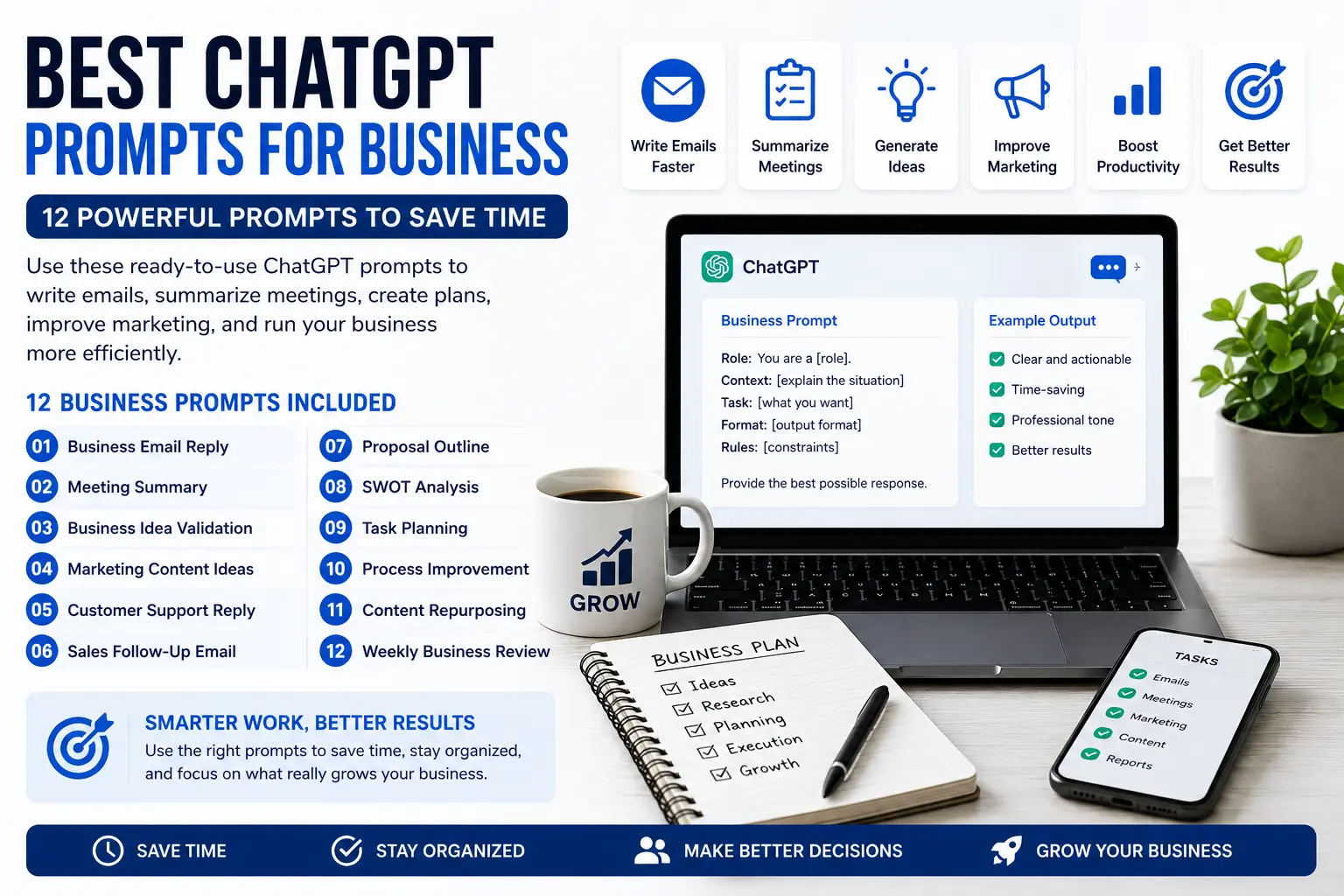
To get better results from AI writing tools, you can also use the best ChatGPT prompts for business to create clearer drafts, captions, summaries, and content ideas.
Create Templates
Create templates for:
- blog posts
- video scripts
- carousel posts
- newsletters
- Facebook posts
- YouTube descriptions
- content briefs
AI works better when you give it structure.
Keep a Human Editing Step
The safest content workflow is:
AI drafts → you edit → you publish
Do not skip the human review.
Track What Works
Once your content is published, track:
- views
- clicks
- comments
- shares
- saves
- search traffic
- conversion actions
Then ask AI to help analyze patterns.
Use this prompt:
Analyze these content results and suggest which topics, formats, and angles I should repeat.Improve One Step at a Time
Do not automate everything at once.
First, improve your idea process.
Then your outlines.
Then your drafts.
Then your repurposing.
Then your scheduling.
That is how a stable content system grows.
FAQ
What is the best AI workflow for content creators?
The best AI workflow for content creators is a repeatable system that takes you from capturing ideas through research, outlining, drafting, designing assets, repurposing posts, and reviewing performance before improving the next cycle.
Can AI create content for me automatically?
AI can help create drafts, outlines, captions, scripts, summaries, and content ideas. But you should still review, edit, fact-check, and add your own experience before anything goes live.
Which AI tools should content creators use first?
Start with one AI writing assistant, one workspace tool like Notion or Google Docs, and one design tool like Canva. Add automation tools like Zapier, Make, or n8n later, once your manual workflow is clear.
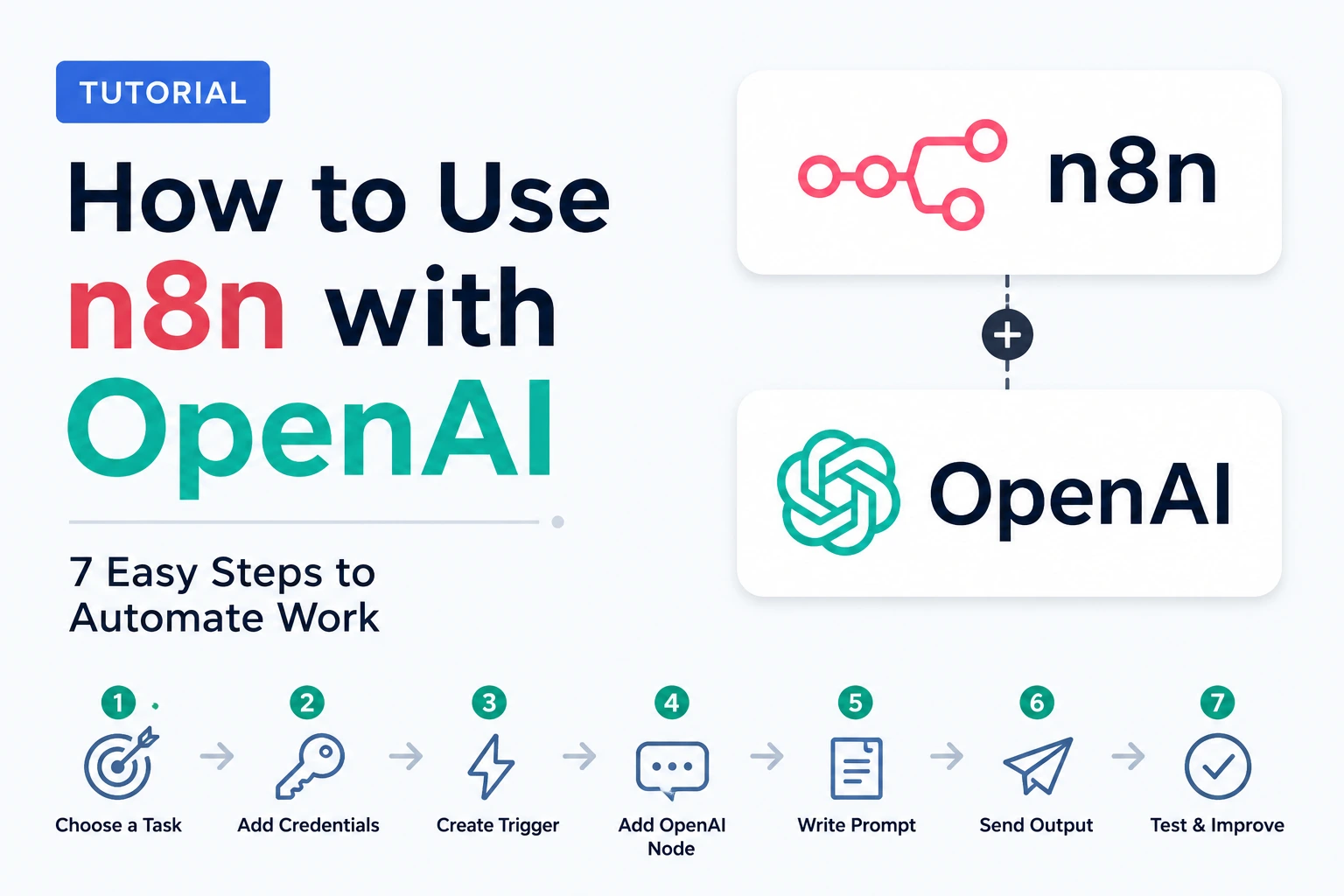
Once your content process is clear, you can learn how to use n8n with OpenAI to automate repeated steps like content repurposing, idea capture, summaries, and notifications.
Can AI help repurpose content?
Yes. AI is very useful for turning one main content piece into multiple formats, such as social posts, newsletters, short video scripts, carousel outlines, summaries, and quote ideas.
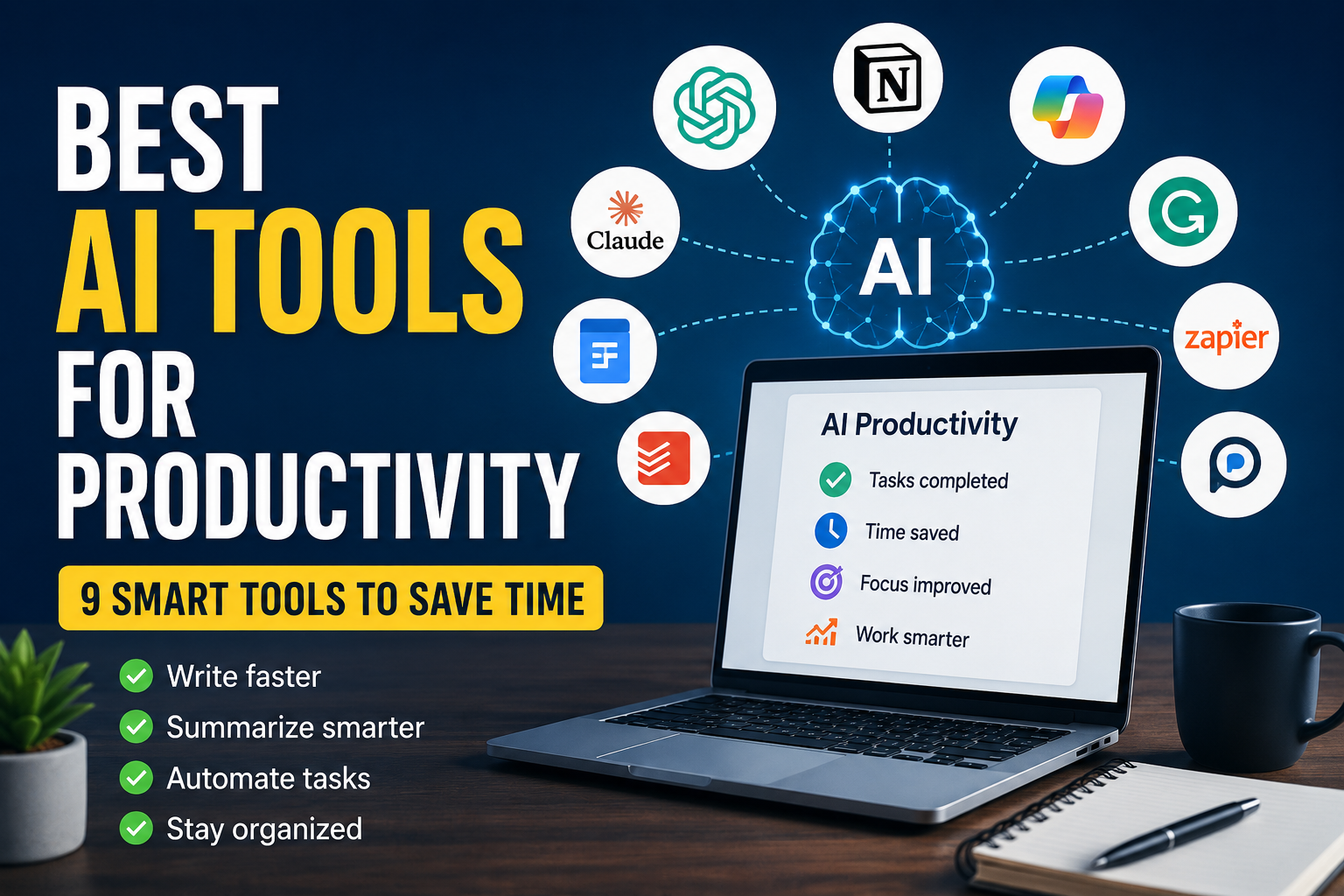
A strong creator workflow also depends on choosing the best AI tools for productivity for research, writing, planning, design, and automation
Is AI content bad for SEO?
AI content is not automatically bad. Low-quality, generic, and unhelpful content is the real problem. Use AI to support research, structure, and drafting, then improve the final article with useful examples, accuracy, and original value.
Should creators automate publishing?
Not at the beginning. It is safer to automate drafts, summaries, and repurposing first. Publish manually until your workflow is stable and your quality control process is strong.
Conclusion
An AI workflow for content creators is not about replacing creativity. It is about removing repetitive work from the content process so your creativity has more room to show up.
The simple workflow is:
Capture ideas → Research → Outline → Draft → Design → Repurpose → Review
Start with one platform and one content format. Build a process that works manually before adding automation. Then use AI to speed up the parts that slow you down — research, outlines, first drafts, captions, summaries, and repurposing.
Once your AI workflow for content creators is running smoothly, you can add automation tools to save even more time while keeping control of quality.