Use the best ChatGPT prompts for business to write emails, summarize meetings, create plans, improve marketing, and save time.
Introduction
Most business owners do not need more AI tools. They need better prompts.
ChatGPT can help with emails, planning, research, marketing, customer support, content, hiring, meetings, and operations. But if you ask something vague, you will usually get something vague back.
A weak prompt sounds like this:
Write something for my business.A strong prompt gives context, role, task, format, rules, and a clear output structure.
If you are searching for the best ChatGPT prompts for business, the goal is not to collect random examples you will forget next week. The goal is to build a small prompt system you can reuse for tasks that appear again and again.
In this guide, you will get 12 practical business prompts for real work: emails, meeting summaries, marketing ideas, customer replies, content planning, proposals, reports, and task management.
What This ChatGPT Prompt Workflow Does
The best ChatGPT prompts for business help you move through repeated work faster without losing quality.
This workflow helps you:
- write clearer business emails
- summarize meetings and documents
- generate marketing ideas
- improve customer replies
- draft proposals and pitches
- organize tasks and priorities
- plan content across platforms
- analyze problems and opportunities
- create business checklists
- turn messy notes into useful outputs
The principle behind this is prompt engineering: writing instructions clearly enough that the model gives you something consistent and useful. OpenAI’s prompt engineering guide explains that effective instructions help a model generate content that better matches your requirements.
The simple rule is:
Better input creates better output.
How to Use ChatGPT Prompts for Business
Before using the prompts, understand what a good business prompt looks like.
A strong prompt usually includes six parts:
- Role — what expert are you asking ChatGPT to act as?
- Context — what is the business situation?
- Task — what exactly do you want?
- Output format — email, checklist, plan, bullets, or table?
- Constraints — what should it include or avoid?
- Review instruction — how should the answer be checked?
Use this basic structure:
You are a [role].

Context:
[explain the business situation]

Task:
[explain what you want]

Output format:
[bullets / table / email / checklist / plan]

Rules:
[what to include or avoid]
This structure separates useful prompts from generic prompts.
Best ChatGPT Prompts for Business: 12 Ready-to-Use Examples
Use these prompts as templates. Replace the bracketed parts with your own business details.
1. Business Email Reply Prompt
Best for: replying to clients, leads, partners, or suppliers.
You are a professional business assistant.

Write a clear and polite reply to this email.

Context:
I run a [type of business]. The sender is asking about [briefly explain situation].

Rules:
- Keep the tone professional and friendly.
- Do not invent prices, deadlines, or promises.
- If information is missing, ask one clear follow-up question.
- Keep the reply under 180 words.
- End with a simple next step.

Email:
[paste email here]
This is one of the best ChatGPT prompts for business because email replies are something most business owners repeat every day. Even saving a few minutes per reply can make your communication workflow lighter.
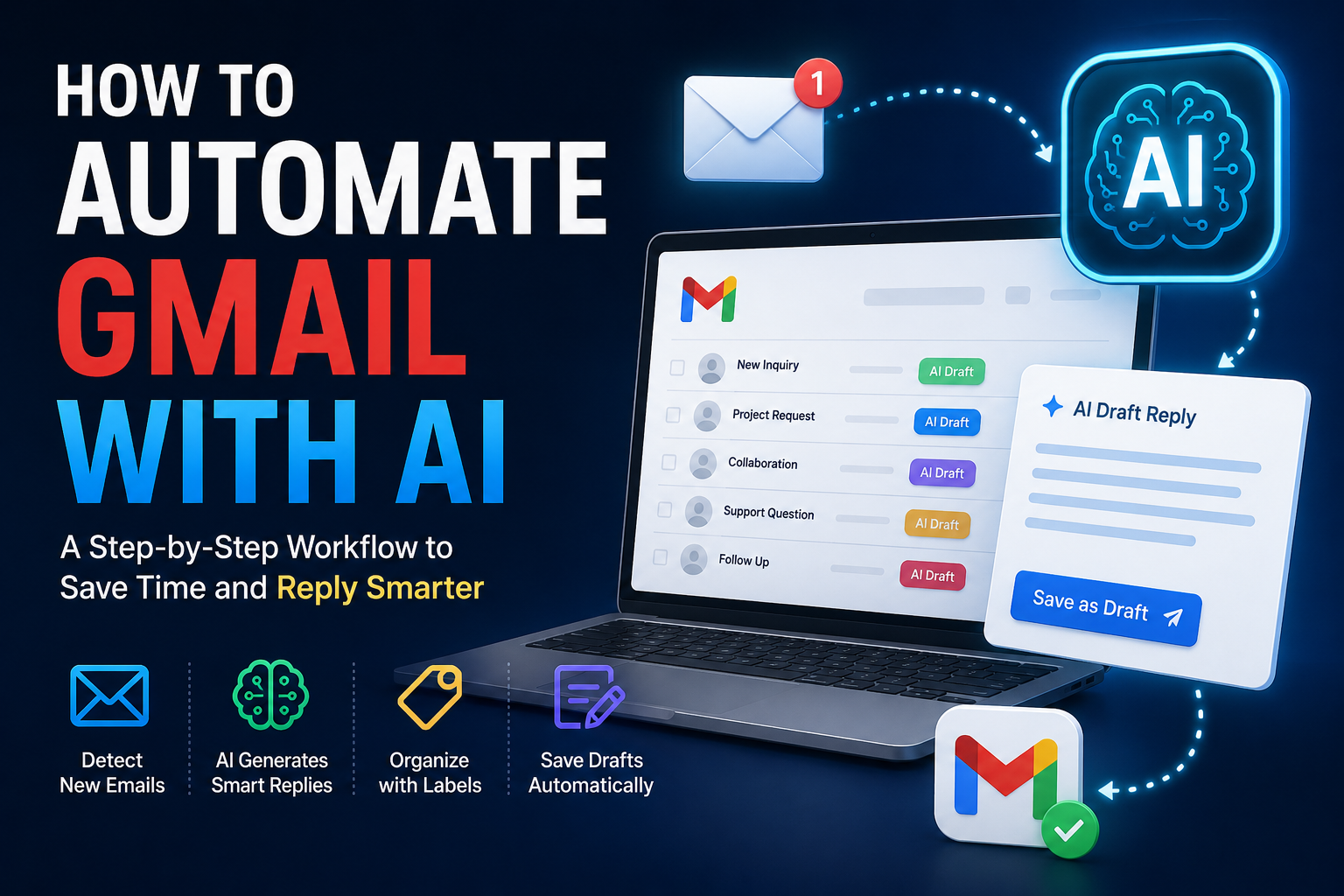
If email takes too much of your workday, you can also learn how to automate Gmail with AI to create draft replies, organize messages, and reduce repetitive inbox tasks
2. Meeting Summary Prompt
Best for: calls, Zoom meetings, team discussions, and client check-ins.
You are a business operations assistant.

Summarize these meeting notes.

Create:
1. Short meeting summary
2. Key decisions made
3. Action items
4. Responsible person for each task
5. Deadlines mentioned
6. Open questions
7. Follow-up email draft

Notes:
[paste notes or transcript here]
This prompt turns messy notes into an organized follow-up system.
Use it after:
- client calls
- team meetings
- sales calls
- project reviews
- planning sessions
The follow-up email draft is especially useful because it helps you move from conversation to action.
3. Business Idea Validation Prompt
Best for: checking a new idea before spending time or money.
You are a business strategy advisor.

Analyze this business idea.

Business idea:
[describe idea]

Target audience:
[describe audience]

Give me:
1. Simple explanation of the idea
2. Main customer problem it solves
3. Possible demand
4. Strengths
5. Weaknesses
6. Risks
7. Monetization options
8. Questions I should answer before starting
9. A realistic first step

Be practical and avoid hype.
This prompt helps you pressure-test your thinking before committing to a project.
The best ChatGPT prompts for business do not only create content. They also help you make clearer decisions.
4. Marketing Content Ideas Prompt
Best for: blog posts, social posts, newsletters, and video ideas.
You are a marketing strategist.

Create content ideas for this business.

Business:
[describe business]

Target audience:
[describe audience]

Goal:
[traffic / leads / trust / education / sales]

Create:
1. 10 blog post ideas
2. 10 social media post ideas
3. 5 short video ideas
4. 5 newsletter ideas
5. 5 common customer questions to answer
6. Best content angle for beginners

Rules:
- Make ideas practical and specific.
- Avoid generic, surface-level topics.
- Focus on real problems the audience actually has.
Use this when you know you should publish content but do not know what to create next.
Run this prompt once a month and save the strongest ideas in your content calendar.
AI Workflow for Content Creators
5. Customer Support Reply Prompt
Best for: support emails, complaints, and common questions.
You are a customer support assistant.

Write a helpful reply to this customer message.

Business context:
[explain what your business does]

Customer message:
[paste message here]

Rules:
- Be polite and calm.
- Acknowledge the issue directly.
- Do not blame the customer.
- Do not invent policies or make promises.
- If details are missing, ask one clear question.
- Offer the next step clearly.
- Keep the reply under 200 words.
This prompt gives you a professional first draft.
Important: do not let AI send sensitive customer replies automatically. Use it to draft, then review before sending, especially for complaints, refunds, or anything involving policy decisions.
6. Sales Follow-Up Prompt
Best for: following up with leads who have not replied.
You are a sales assistant.

Write a short follow-up email to a potential client.

Context:
The lead asked about [service/product] but has not replied for [number] days.

Rules:
- Keep it polite and non-pushy.
- Briefly reference the original conversation.
- Offer to help.
- Ask one simple, easy-to-answer question.
- Keep it under 120 words.

Lead details:
[paste details]
This works for freelancers, agencies, consultants, service businesses, SaaS teams, and small business owners.
A good follow-up should feel helpful, not desperate.
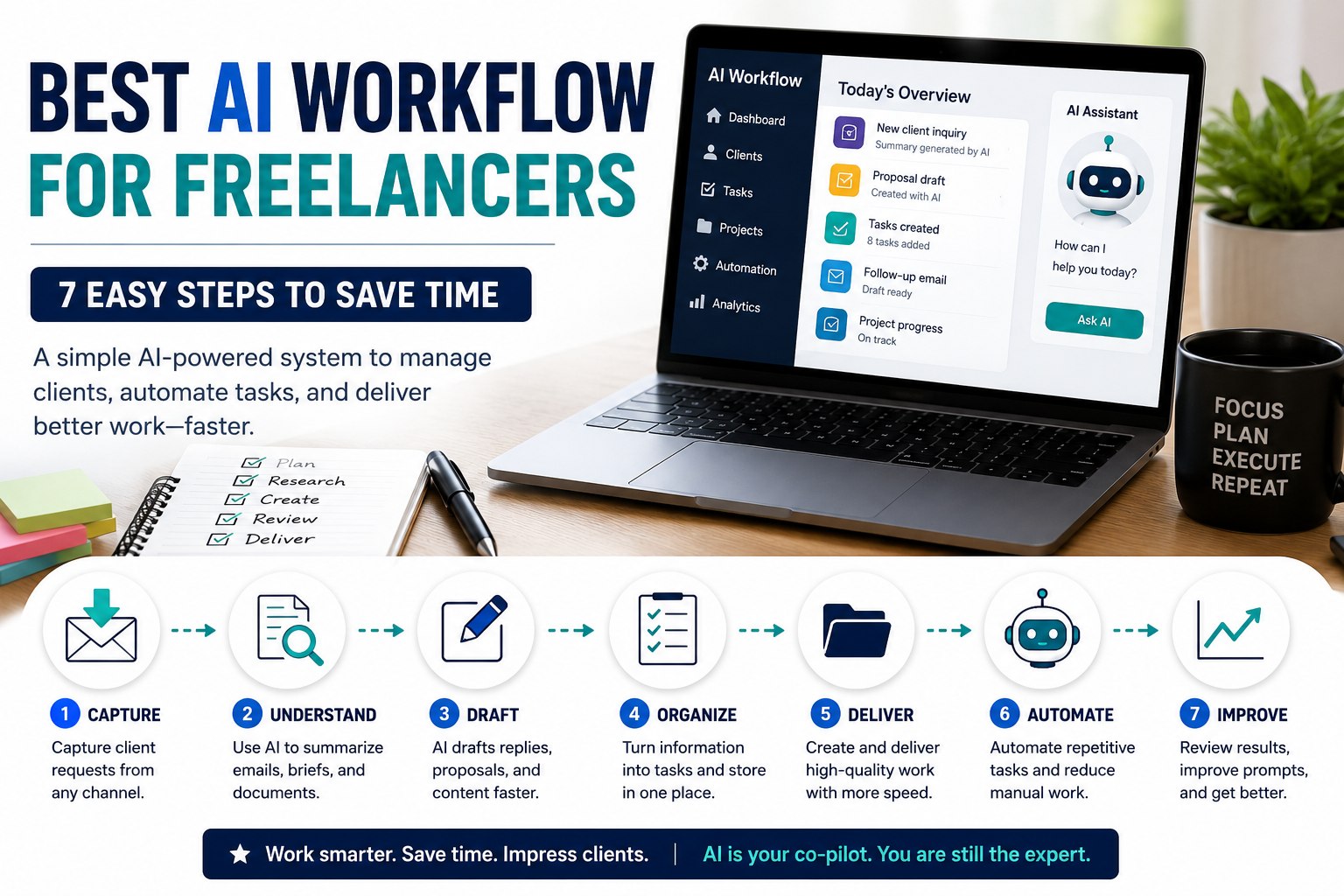
Freelancers can turn these prompts into a complete AI workflow for freelancers that covers client emails, project briefs, proposals, tasks, and follow-ups.
7. Proposal Outline Prompt
Best for: service proposals, project plans, and consulting pitches.
You are a business proposal writer.

Create a proposal outline based on this client request.

Client request:
[paste request]

My service:
[describe your service]

Create:
1. Project understanding
2. Client goals
3. Recommended approach
4. Deliverables
5. Timeline assumptions
6. Information still needed
7. Questions to ask before pricing
8. Professional proposal structure

Rules:
- Do not invent exact prices.
- Do not promise unrealistic results.
- Keep the structure clear and client-friendly.
If you sell services, consulting, design, marketing, development, or freelance work, this is one of the best ChatGPT prompts for business to keep in your prompt library.
It gives you a strong structure before you write the final proposal.
Best AI Workflow for Freelancers
8. SWOT Analysis Prompt
Best for: analyzing a business, product, campaign, or project.
You are a business analyst.

Create a SWOT analysis for this business or project.

Business/project:
[describe it]

Analyze:
1. Strengths
2. Weaknesses
3. Opportunities
4. Threats
5. Biggest risk right now
6. Best next move
7. What I should improve first

Make the analysis practical and specific.
Avoid generic business advice.
Use this for:
- new business ideas
- marketing campaigns
- product launches
- competitor analysis
- freelance service positioning
- content strategy
The most useful parts are often “biggest risk” and “what I should improve first.”
9. Task Planning Prompt
Best for: breaking down a goal into clear steps.
You are a productivity assistant.

Turn this goal into a clear task plan.

Goal:
[insert goal]

Create:
1. Main phases
2. Specific tasks under each phase
3. Suggested order
4. Estimated difficulty
5. Tools needed
6. Possible blockers
7. First action to take today

Keep the plan realistic and beginner-friendly.
Business work often feels overwhelming because it has not been broken into steps.
This prompt turns a big goal into a practical plan.
Best AI Tools for Productivity
10. Business Process Improvement Prompt
Best for: fixing slow, repetitive, or messy workflows.
You are an operations consultant.

Analyze this business process and suggest improvements.

Current process:
[describe process step by step]

Problems:
[describe what is slow, messy, or repetitive]

Give me:
1. What is working well
2. What is wasting time
3. What can be simplified
4. What can be automated
5. What should stay manual
6. A better workflow
7. The first improvement to make

Rules:
- Focus on practical, low-cost changes.
- Do not suggest expensive tools unless necessary.
- Keep the workflow simple.
This is one of the best ChatGPT prompts for business if your operations have become messy over time.
Use it for:
- client onboarding
- email handling
- content publishing
- invoice follow-ups
- lead management
- customer support
11. Content Repurposing Prompt
Best for: turning one content piece into multiple formats.
You are a content repurposing assistant.

Repurpose this content for multiple platforms.

Content:
[paste article, video script, newsletter, or notes]

Create:
1. LinkedIn post
2. Facebook post
3. Twitter/X thread
4. Short video script
5. Email newsletter intro
6. 5 quote ideas
7. 3 headline variations

Rules:
- Keep the same core message.
- Adapt the tone and length for each platform.
- Do not copy the same wording everywhere.
- Keep each output practical and clear.
This is useful for creators, marketers, agencies, and solo business owners.
You already did the hard work of creating the original content. This prompt helps you get more value from it without starting again from zero.
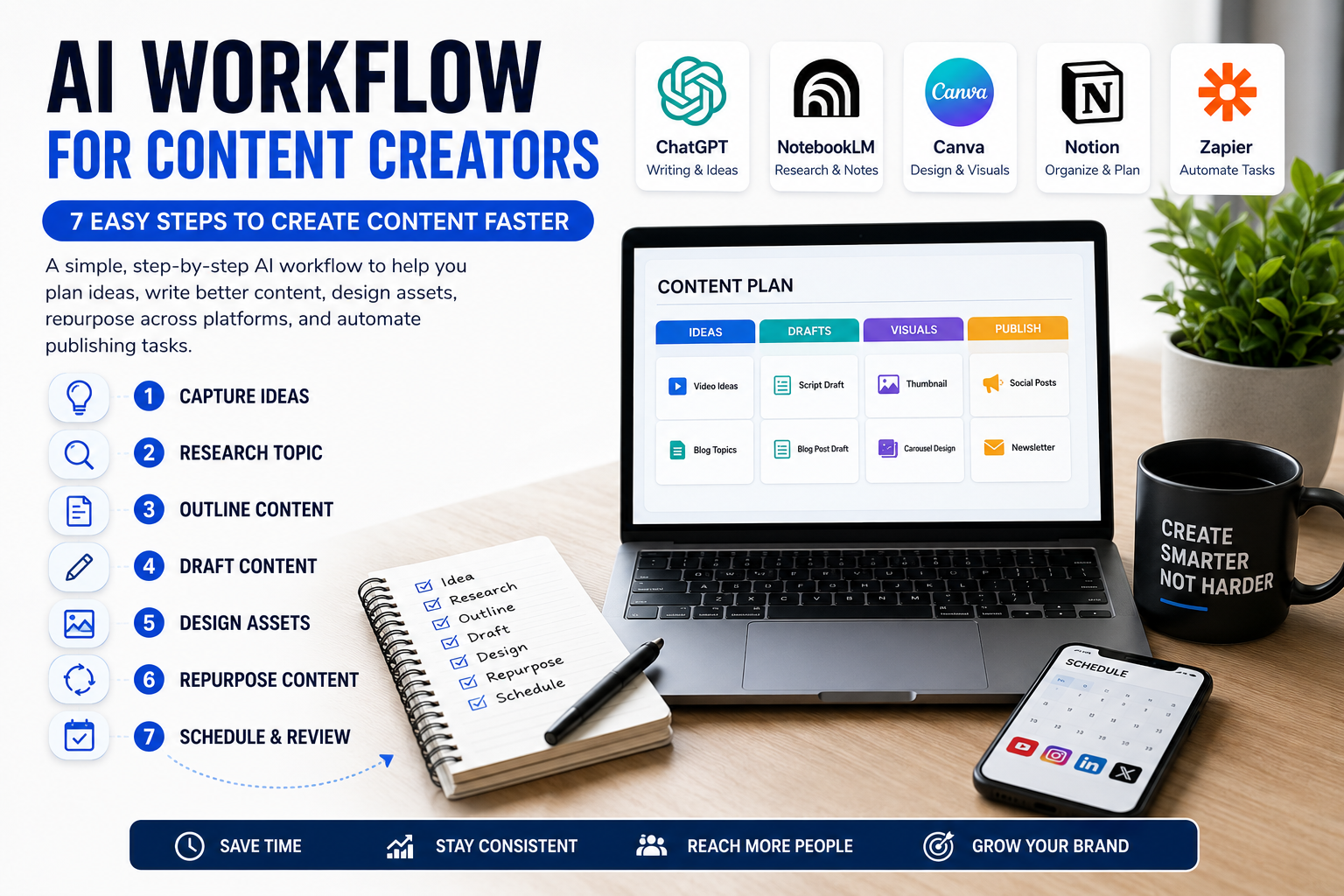
If you use ChatGPT for marketing or content, these prompts can also support an AI workflow for content creators for ideas, outlines, drafts, captions, and repurposing
12. Weekly Business Review Prompt
Best for: end-of-week reflection and next-week planning.
You are a business productivity coach.

Help me review this week and plan next week.

This week's notes:
[paste notes]

Create:
1. What went well
2. What did not work
3. Tasks completed
4. Tasks delayed
5. Biggest bottleneck
6. Lessons learned
7. Top 3 priorities for next week
8. One process I should improve

Keep the review honest and practical.
The best ChatGPT prompts for business are not only for writing. Some of the most valuable prompts help you step back, review what happened, and decide where to focus next.
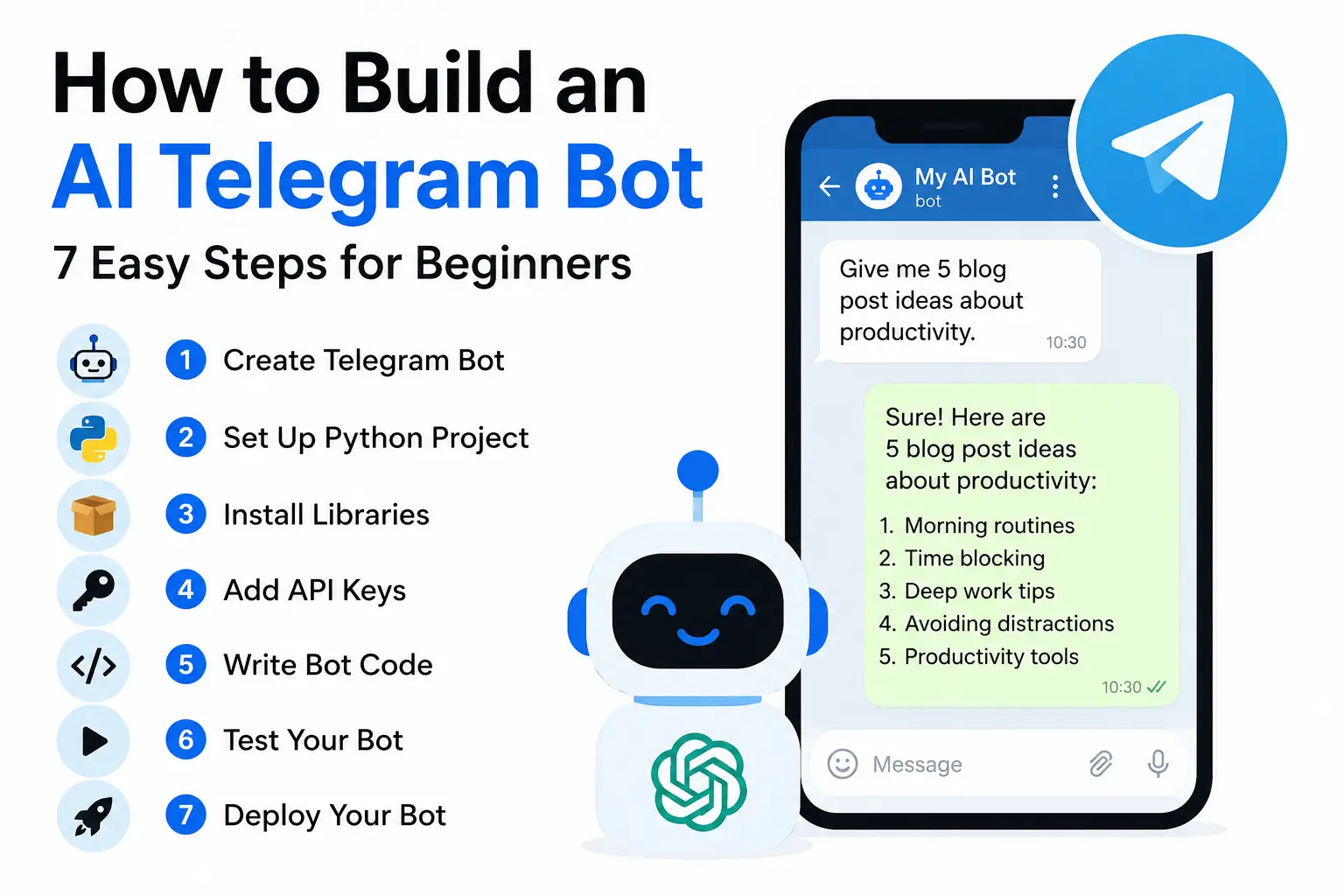
You can also use business prompts inside simple AI tools, such as when you build an AI Telegram bot for support drafts, content ideas, summaries, or internal help.
Practical Example: A Small Business Owner’s Prompt Workflow
Imagine you run a small service business.
In a typical week, you handle client inquiries, write follow-ups, plan content, manage delivery work, and try to stay organized.
A simple ChatGPT prompt workflow could look like this:
| Day or Situation | Prompt to Use |
|---|---|
| Monday | Task planning prompt |
| Client email arrives | Business email reply prompt |
| After a client call | Meeting summary prompt |
| Lead goes quiet | Sales follow-up prompt |
| Midweek marketing work | Marketing content ideas prompt |
| New project opportunity | Proposal outline prompt |
| Friday | Weekly business review prompt |
This turns ChatGPT from something you open randomly into a practical business assistant with a consistent role in your week.
That is the real value of the best ChatGPT prompts for business: they create a system, not just one-time answers.
Common Mistakes to Avoid
1. Using Vague Prompts
Vague prompts produce vague output.
Bad prompt:
Write marketing ideas.Better prompt:
Create 10 marketing ideas for a freelance web designer targeting small local businesses. Focus on practical problems, simple language, and low-budget execution.The extra context takes a few seconds but saves a lot of editing.
2. Not Giving Business Context
ChatGPT does not know your business unless you explain it.
Always include:
- business type
- target audience
- goal
- tone
- constraints
- output format
Without context, the answer will sound like it could apply to anyone.
3. Asking for the Final Version Too Early
Do not ask ChatGPT to finish everything in one step.
A better workflow is:
idea → outline → draft → review → improve
Each step is easier to control, and the final result is usually better.
4. Trusting Outputs Without Reviewing Them
AI can make mistakes, especially with:
- facts
- prices
- claims
- customer messages
- policy details
- legal or financial language
Always review before using the output in business communication or published content.
5. Using One Prompt for Every Task
An email prompt is not a proposal prompt.
A customer support prompt is not a marketing prompt.
Build a small library of task-specific prompts instead of trying to make one prompt do everything.
Best Practices for Business Prompts
Save Your Best Prompts
Keep your best prompts in:
- Notion
- Google Docs
- Microsoft Word
- a notes app
- a project management tool
Organize them by task:
- emails
- sales
- marketing
- support
- planning
- content
- operations
When a prompt works well, save it immediately.
Add Rules to Every Prompt
Rules improve output quality.
Useful rules include:
Do not invent facts.
Ask for missing information.
Keep the tone professional.
Use short paragraphs.
Give practical steps.
Avoid hype.
Rules are what separate useful AI output from generic filler.
Ask for Structured Outputs
Structured outputs are easier to review and use.
Ask for:
- bullets
- numbered steps
- checklists
- email drafts
- action item lists
- simple tables when useful
This reduces the time you spend reformatting the answer.
Build a Prompt Library for Your Business
A prompt library saves time because you are not rewriting instructions from memory every time you sit down to work.
Start simple:
- one document
- grouped by task type
- updated whenever something works well
You can later turn your prompt library into a repeatable internal workflow for your business.
Privacy and Safety Rules
Be careful with what you paste into ChatGPT or any AI tool.
Avoid sharing:
- passwords
- private credentials
- bank details
- confidential contracts
- private client documents
- medical information
- legal disputes
- personal identification data
OpenAI explains that ChatGPT Business workspace data is excluded from training by default, and business data is encrypted in transit and at rest. Always check the current privacy settings and your own business rules before sharing sensitive information.
For most small businesses, the safest rule is:
AI drafts. You review. You decide.
FAQ
What are the best ChatGPT prompts for business?
The best ChatGPT prompts for business include context, role, task, rules, and output format. Useful examples include email replies, meeting summaries, proposal outlines, marketing ideas, customer support drafts, task plans, and weekly reviews.
How do I write better ChatGPT prompts for business?
Give ChatGPT your business context, target audience, goal, tone, task, and desired format. Add rules like “do not invent facts,” “ask for missing information,” and “keep the output practical.”
Can ChatGPT help small businesses?
Yes. ChatGPT can help small businesses draft emails, summarize meetings, generate marketing ideas, organize tasks, prepare proposals, improve customer replies, and review weekly priorities. Important outputs should still be checked manually before they are used.
Can I use ChatGPT for customer support?
Yes, but treat it as a drafting tool, not a sending tool. Review every response before sending, especially anything involving refunds, complaints, private data, or policy decisions.
Should I use ChatGPT for business strategy?
ChatGPT can help organize strategic thinking, structure SWOT analyses, compare options, and surface risks. It should not replace professional legal, financial, tax, or business advice.
How many prompts should a business keep?
Start with 5–10 core prompts covering emails, meetings, customer support, marketing, proposals, task planning, and weekly reviews. Add more only when a repeated task appears that you do not already have a prompt for.
Are ChatGPT prompts enough to automate a business?
No. Prompts help create drafts, summaries, plans, and ideas. Actual automation requires connecting tools and workflows through platforms like Zapier, Make, or n8n. Start with manual prompts first, then automate repeated steps once the process works.
Conclusion
The best ChatGPT prompts for business are not magic phrases. They are clear instructions that help ChatGPT understand your goal, context, rules, and desired output.
Start with the prompts that match your most repeated work:
- emails
- meetings
- proposals
- marketing
- customer support
- task planning
- content repurposing
- weekly reviews
Save the prompts that work. Improve them over time. Build a small prompt library your business can rely on.
Once you have a solid set of the best ChatGPT prompts for business, ChatGPT becomes more than a writing tool. It becomes a practical assistant for repeated business work.